

A slot game can run smoothly for twenty minutes, then suddenly feel frustrating. The reels freeze mid-spin. A loading screen hangs longer than expected. A player taps the spin button twice because the game does not respond right away. In many cases, the problem starts with the internet connection rather than the platform itself.
Online slot games rely on constant communication between a device and remote servers. Every spin updates balances, verifies results, and loads visual effects almost instantly. When the connection weakens, even briefly, gameplay can become uneven.
Browser-based platforms such as Free Spin social casino depend heavily on stable connectivity. Problems often occur during busy evening hours when several devices share the same home network.
Why Connection Stability Matters
Fast internet speed doesn’t guarantee smooth game sessions. Your network may pass the speed test, but when other devices connect, it’ll surely slow the connection.
Slot games exchange small data packets during play. Servers process outcomes, update balances, and keep animations synchronized. Any interruption can cause noticeable delays.
High latency also affects responsiveness. Reels may pause before spinning. Menus can open slowly. Live dealer audio may drift out of sync with video.
Common warning signs include:
- Frozen loading screens
- Delayed button responses
- Reels stopping mid-spin
- Frequent reconnect messages
- Audio interruptions during live games
Background activity can make these issues worse. A software update or video stream in another room may slow the connection.
Download Speed, Upload Speed, and Ping
Your connection quality goes beyond your internet speed. Download and upload speed, as well as ping, can affect your gameplay differently.
Download Speed
Download speed measures how quickly your devices receive information you get from the internet.
Games and other apps and software use the download bandwidth to load everything, from the graphics to the videos and sound effects. Weak download performance can lead to blurry visuals, delayed animations, or slow loading screens.
Busy households place extra strain on download performance. You can expect your download speed to slow down at night, when your household’s devices simultaneously connect to the network.
Upload Speed
Upload speed measures how quickly a device sends information back to the server.
Every tap, spin, and account action depends on upload bandwidth. Weak upload performance can delay game responses or slow balance updates after a spin.
Cloud backups, photo syncing apps, and automatic software updates can also affect upload speeds without drawing much attention.
Ping and Latency
Ping measures the time it takes your device to receive a response from a specific server.
Low ping helps games feel smooth and responsive. High ping can cause uneven performance that appears randomly during a session. One spin responds instantly while the next pauses for several seconds.
Latency problems can also come and go without warning. A game may run normally for half an hour before reconnect notices suddenly appear. That inconsistency makes network issues harder to identify.
What Weakens a Home Network
Your Wi-Fi connection can slow down, especially if you’re in a busy neighborhood. It’s because many routers operating close together will cause network crowding, making your connection slower and less reliable.
Distance can also drop your signal strength. A phone used two rooms away from the router may lag while a wired desktop works fine. Thick walls, metal surfaces, and appliances can weaken the signal even more.
Older routers also contribute to your weak connection. Connecting multiple devices simultaneously can overwhelm your router, slowing it down.
Practical Ways to Improve Stability
Better connection quality doesn’t mean more expensive plans. Here are some ways you can boost connection stability without spending too much.
Use a Wired Connection
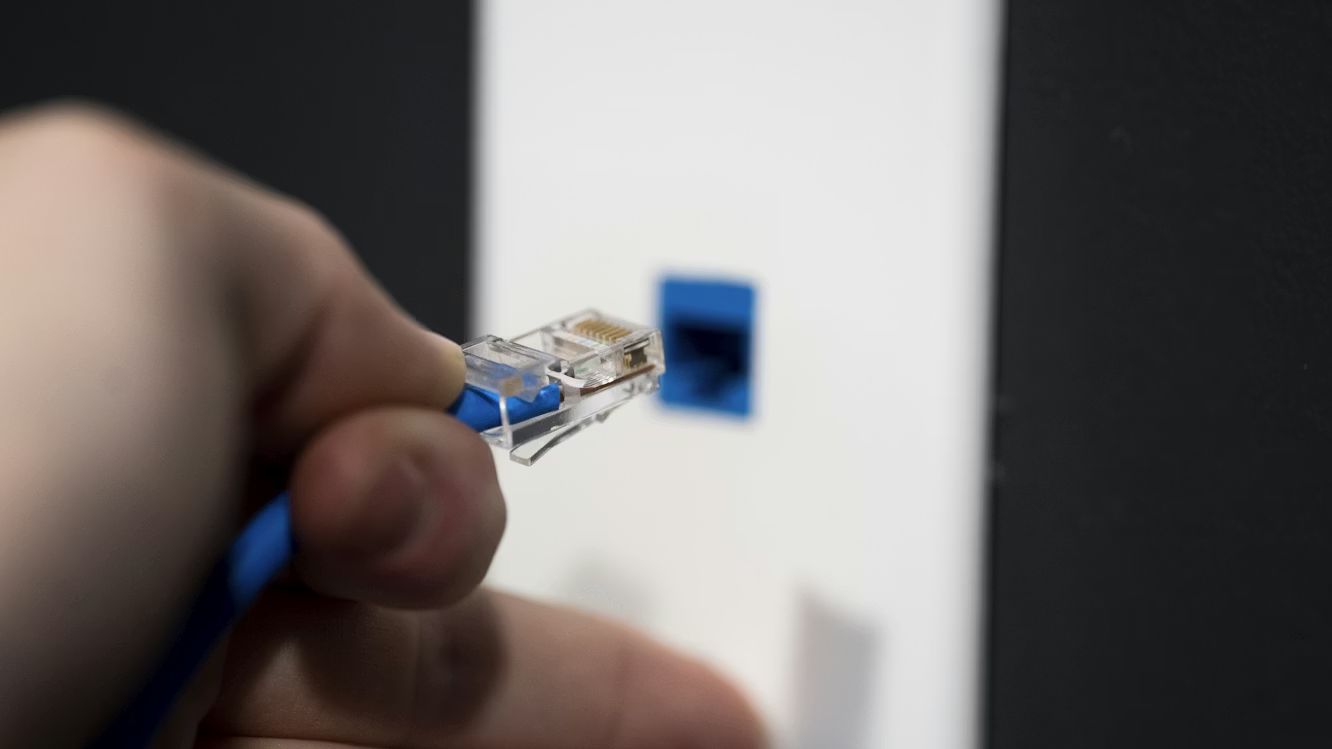
An ethernet gives you a more reliable connection than Wi-Fi. Compared to wireless, it avoids any interference that could affect your connection speed.
Restart the Router
Refresh your connection by restarting the router. This will clear temporary congestion, boosting your internet speed.
Reduce Background Activity
Downloading large files and streaming simultaneously can overload our network, especially during busy periods. You should limit your activity to improve your connection.
Move Closer to the Router
Distance weakens your signal strength. Keep a short distance to your router when you’re connected to improve your signal strength.
Check Older Equipment
Older routers often struggle to keep up with your modern household. Replace outdated hardware to improve your connection’s stability.
A More Consistent Gaming Session
Online slot games depend on steady communication between devices and servers. Even brief interruptions can affect loading times, responsiveness, and live features.
Performance issues are usually caused by problems in your network, rather than the gaming platform. From weak wireless signals to crowded Wi-Fi channels and overloaded routers, your game may become unstable due to various connection issues.
But when your connection improves, you’ll notice the difference: spins respond faster, menus load more smoothly, and reconnect prompts appear less often.